The following steps should significantly extend the battery life on your phone.
1. Please connect the phone to the charger with the phone powered on, and allow the phone to charge until the notification LED is green, indicating the device is fully charged.
2. Disconnect the phone from the charger, and power it off.
3. Reconnect the phone to the charger with the phone powered off, and allow the phone to charge until the notification LED is green.
4. Disconnect the phone from the charger and power it on.
5. Once the phone is powered completely on, power it off again and reconnect it to the charger until the notification LED is green.
6. Disconnect the phone, power it on, and use it.You need to use this sequence only once.
-
[HOW TO] Calibrate Desire Battery – xda-developers
-
Pretteh!

via sugarlips.
-
Dad brought home 5KGs of delicious Cadbury chocolate! Yiew!
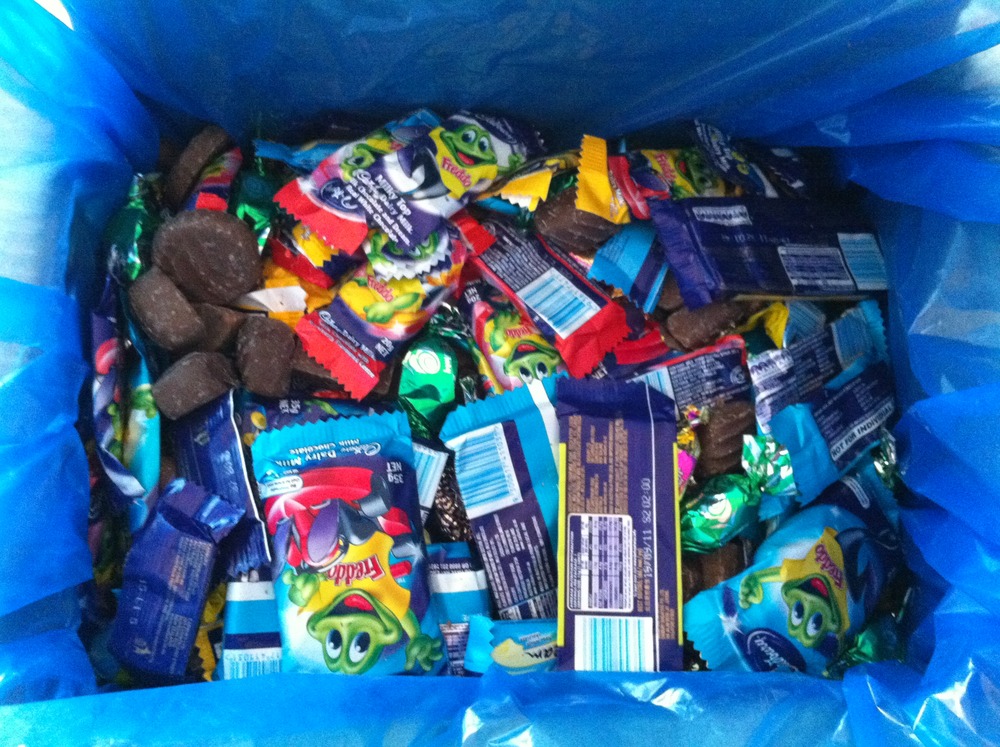
Related: I’m going to be so incredibly obese it won’t be funny.
-
Asteroid Discovery From 1980 – 2010
View of the solar system showing the locations of all the asteroids starting in 1980, as asteroids are discovered they are added to the map and highlighted white so you can pick out the new ones.
The final colour of an asteroids indicates how closely it comes to the inner solar system:
Earth Crossers are Red
Earth Approachers (Perihelion less than 1.3AU) are Yellow
All Others are Green -
Colour chemistry crayons

Label crayon colors with the names of the chemical compounds that produce them
-
Seaswarm
via YouTube – Seaswarm.